Customer database
View and manage your customer profiles, automatically built from orders.
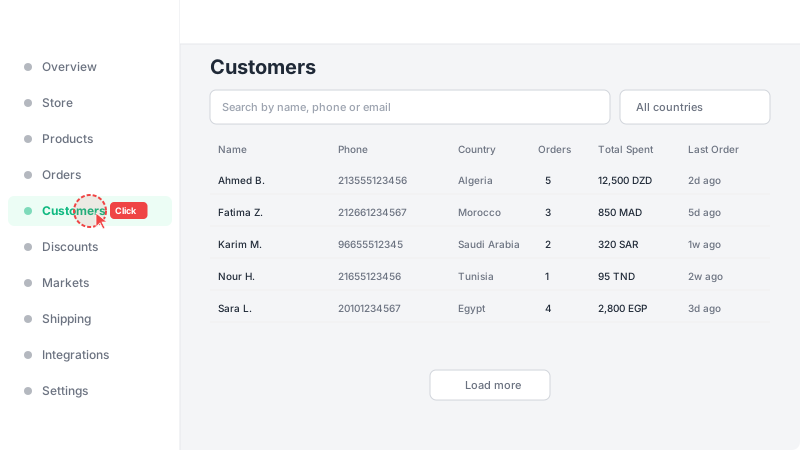
Open the Customers page
Click "Customers" in the sidebar. You'll see a searchable customer table with name, phone, country, order count, total spent, and tags. Customer profiles are created automatically whenever a new order is placed — no manual entry needed.
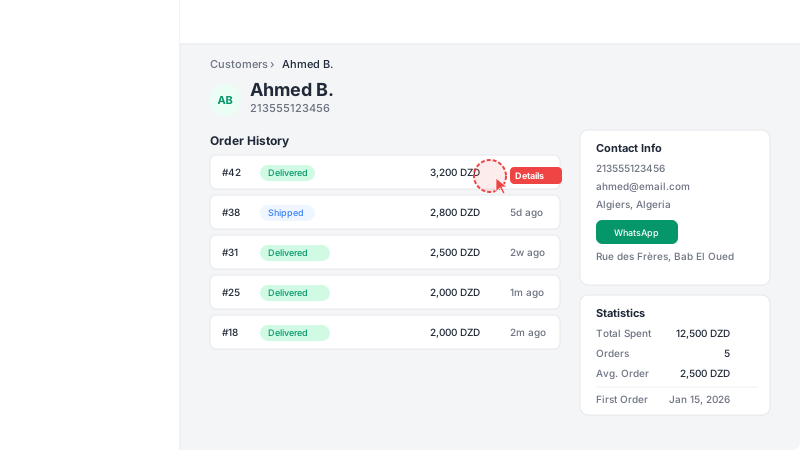
View customer details
Click any customer row to open their profile. You'll see their contact info, order history, total spent, order count, and average order value. From here you can also message them directly on WhatsApp.
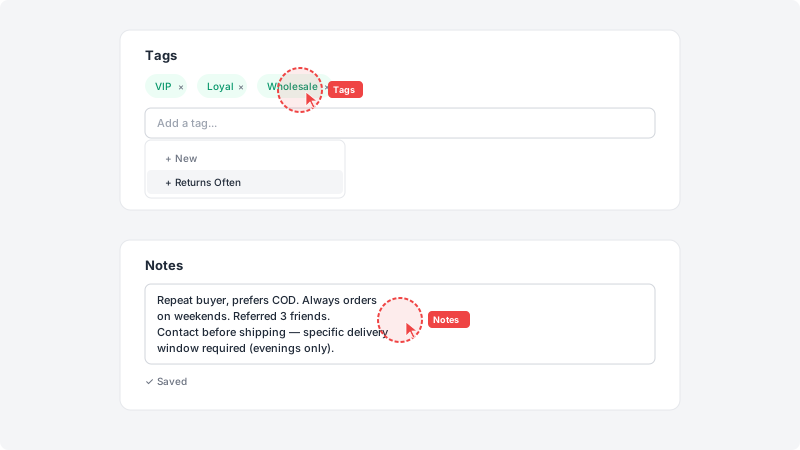
Add tags and notes
Use tags to categorize customers (e.g. VIP, Wholesale, Loyal) and add notes for internal reference. Tags support autocomplete from previously used tags. Notes auto-save as you type.
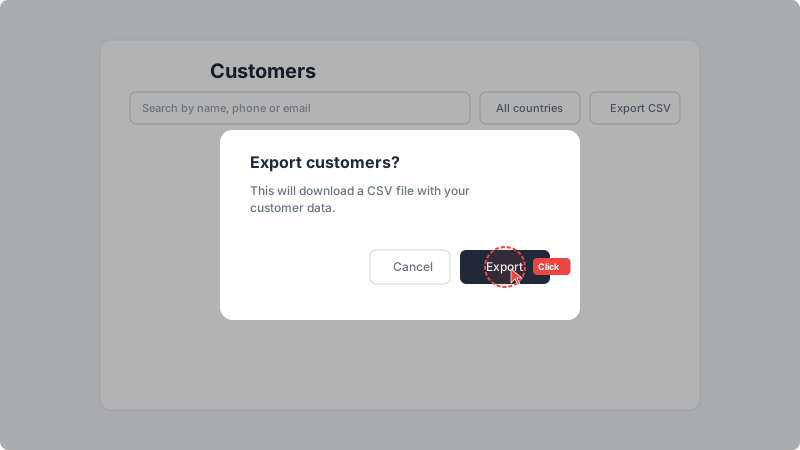
Export customers to CSV
Click "Export CSV" to download your customer list. A confirmation dialog will appear before the download starts. The export includes name, phone, email, city, country, tags, currency, total spent, order count, first and last order dates, and notes. Available on Pro plan and during the free trial.