Setting up Meta Pixel
Track conversions with Facebook/Meta Pixel.
Install Meta CAPI integration
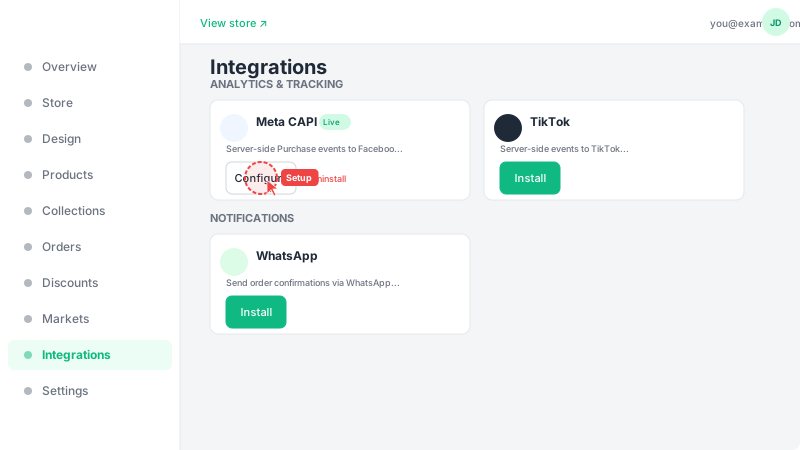
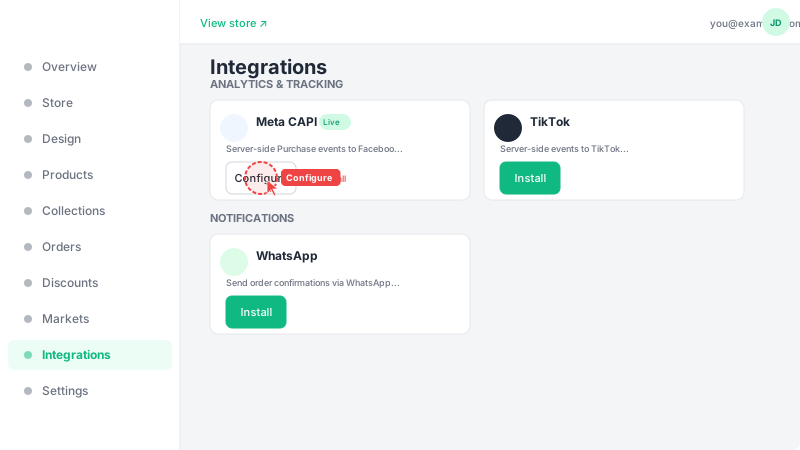
Go to Integrations and find the "Meta Conversions API" card under the Tracking category. Click "Install" to add it, then click "Configure" to set it up. This integration tracks customer actions on your store (page views, add to cart, purchases) and sends them to Facebook/Meta for ad optimization and analytics.
Enter your Pixel ID and Access Token
You'll need two pieces of information from your Meta Business Manager: your Pixel ID (a number found in Events Manager > Data Sources) and a Conversions API Access Token (generated in Events Manager > Settings). Paste both into the corresponding fields. Optionally, add a Test Event Code if you want to verify events are being sent correctly — you can find this in Events Manager > Test Events. When a test code is present, events are sent in test mode and won't affect your real data.