Connecting Google Sheets
Automatically export orders to a Google Spreadsheet.
Install Google Sheets integration
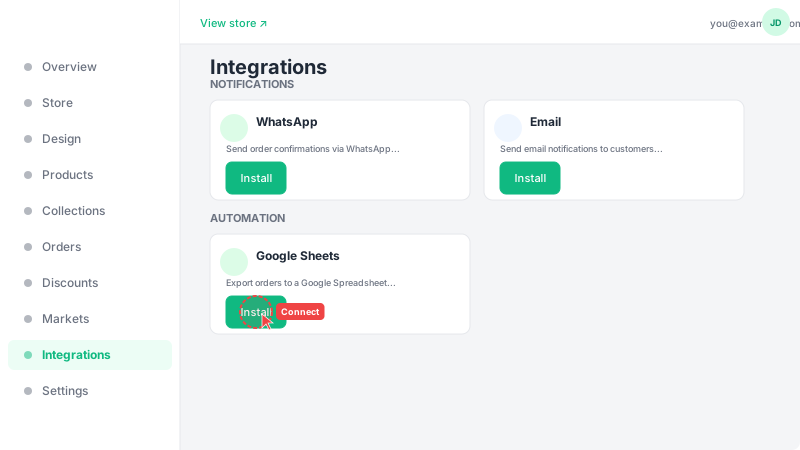
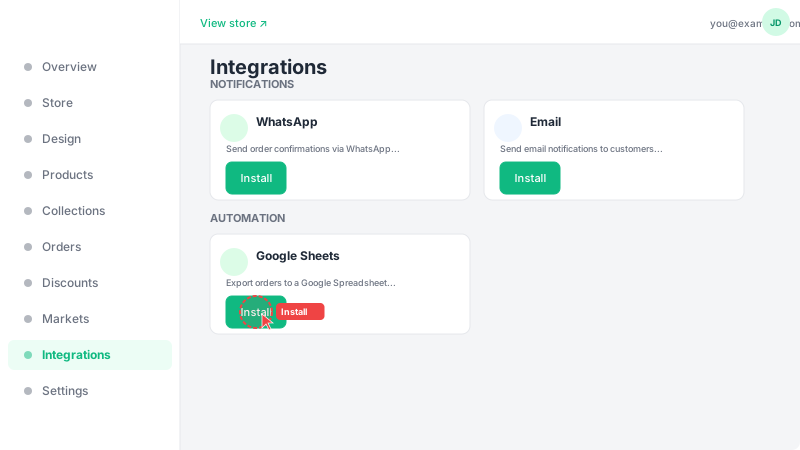
Go to Integrations and find the "Google Sheets" card under Productivity. Click "Install" to add it to your store, then click "Setup" to configure the connection. This integration automatically adds a new row to your Google Spreadsheet every time a customer places an order — so you always have an up-to-date record of all your orders.
Connect your Google account
Click "Connect Google Account" and sign in with the Google account where you want the spreadsheet to be created. After authorizing access, you can choose which order fields to include in your spreadsheet (e.g., customer name, phone, items, total, address, status). A new spreadsheet will be automatically created in your Google Drive. Each new order will appear as a new row with the fields you selected.