Yalidine Express Integration — Auto-Ship Orders to Algeria
Connect your Yalidine API, auto-ship orders to all 58 Algerian wilayas, print labels, and track COD deliveries from your dashboard.
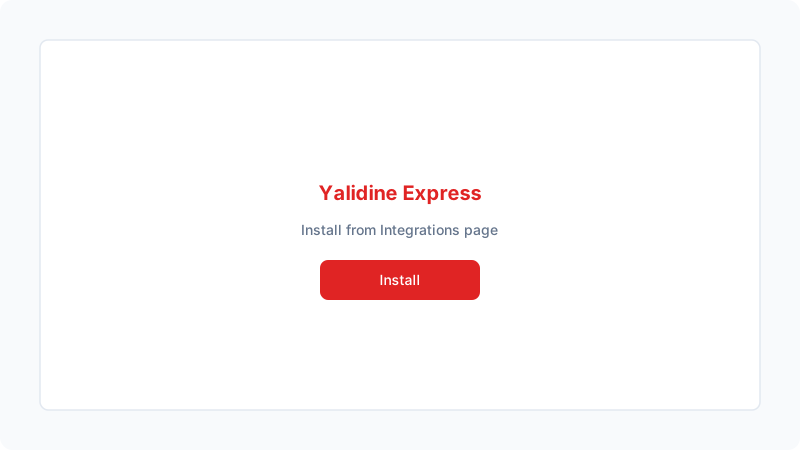
Install Yalidine from Integrations
Go to Dashboard → Integrations. Find the Yalidine Express card and click Install. The app will appear in your installed integrations list. Yalidine Express is Algeria's leading shipping carrier, covering all 58 wilayas with over 1,400 communes and full COD (cash on delivery) support.
Enter your API credentials
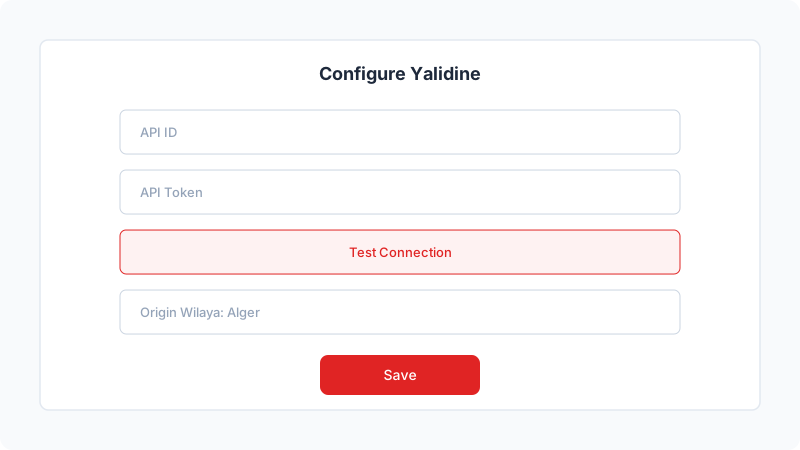
Click Setup to open the configuration panel. Enter your Yalidine API ID and API Token (from yalidine.app/dev). Click Test Connection to verify your credentials work. Then select your origin wilaya (where you ship from), and choose express or economic delivery mode. Enable auto-shipment to automatically create parcels when new orders come in.
Orders ship automatically
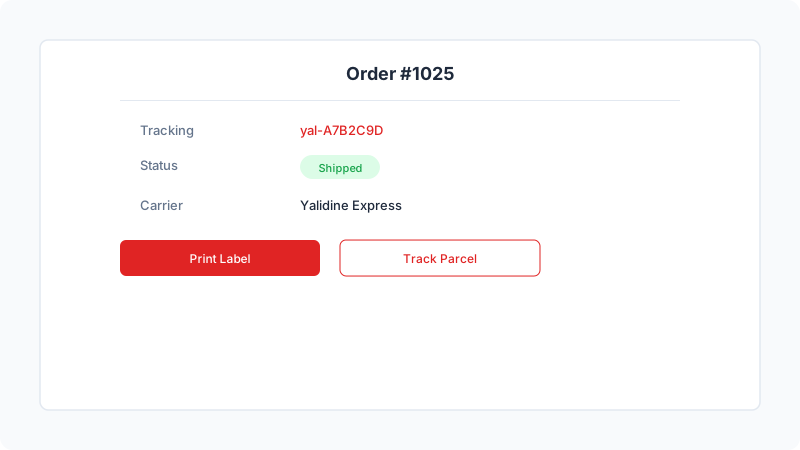
Once connected, new orders are automatically sent to Yalidine as parcels. You can view tracking numbers, print shipping labels, and monitor delivery status directly from your order details page. When Yalidine delivers a parcel, the order status updates automatically. COD payments are collected by Yalidine and reimbursed to you daily.