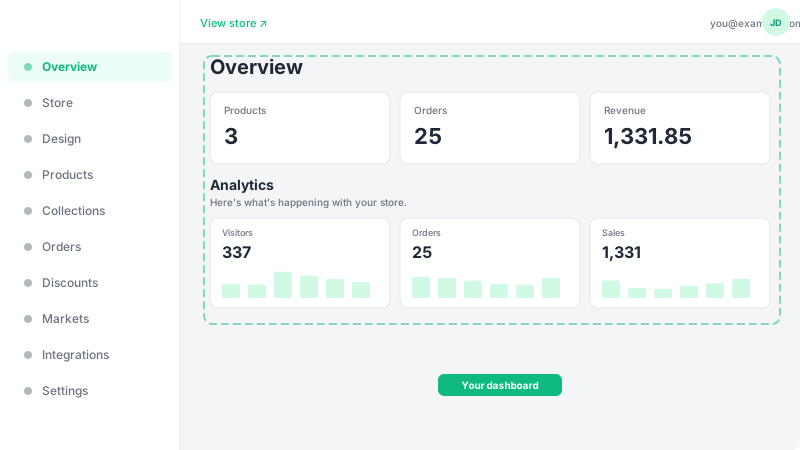
How to create your account
Sign up for Leadivo using email or Google.
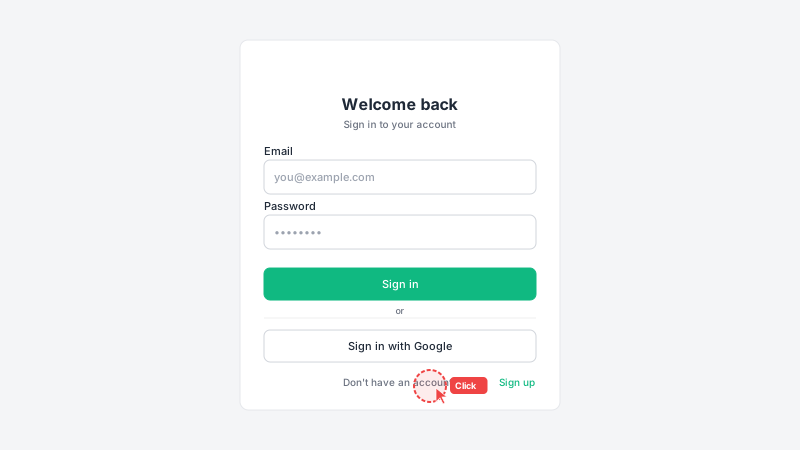
Go to the signup page
Visit leadivo.app and click the "Get Started" button in the top-right corner. This will take you to the registration form where you can create your free account in under a minute.
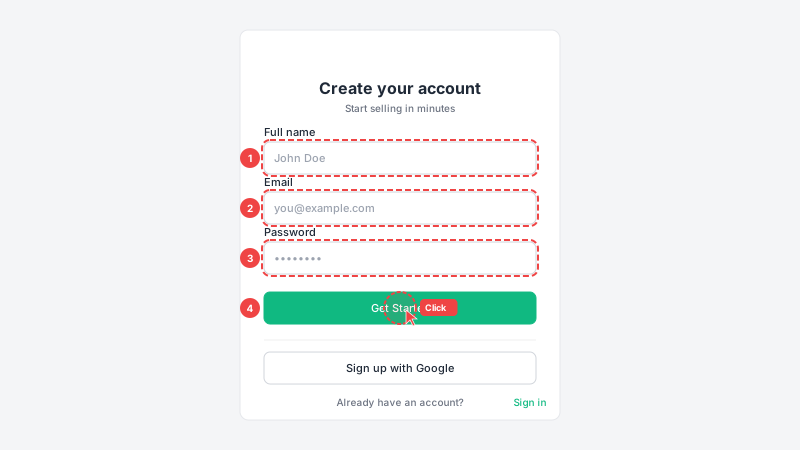
Fill in your details
Enter your full name, email address, and create a password (at least 6 characters). Alternatively, click "Continue with Google" to register instantly using your Google account — no password needed. Your name and email will be used for order notifications and account recovery.
Access your dashboard
After signing up, you'll be automatically redirected to your dashboard. This is your control center where you'll manage everything — products, orders, design, and settings. Your first step should be setting up your store details (name, currency, and description).