Setting up WhatsApp notifications
Receive order notifications on WhatsApp.
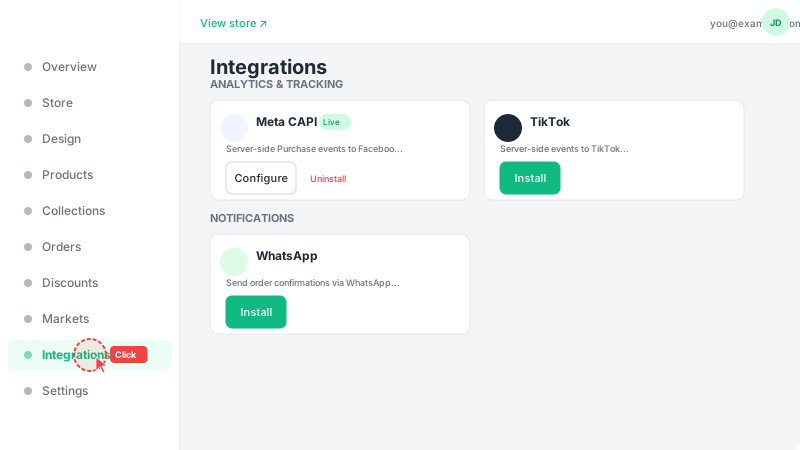
Go to Integrations
Click "Integrations" in the sidebar to see all available apps you can connect to your store. Integrations are organized by category — WhatsApp is under "Notifications". Each integration card shows a brief description of what it does.
Install WhatsApp
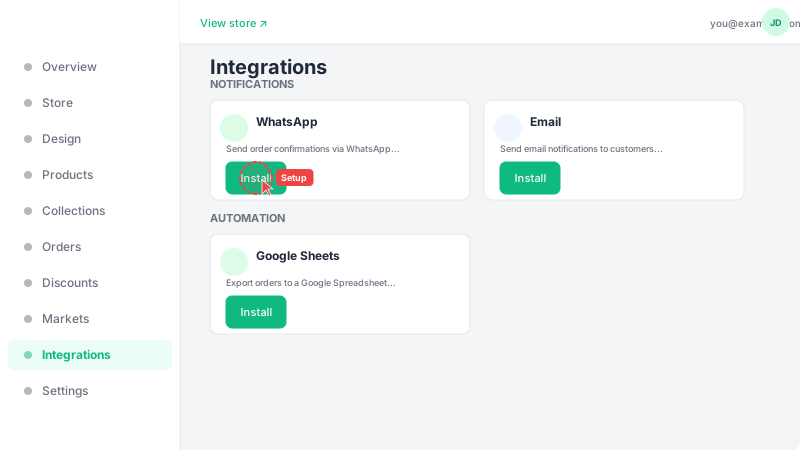
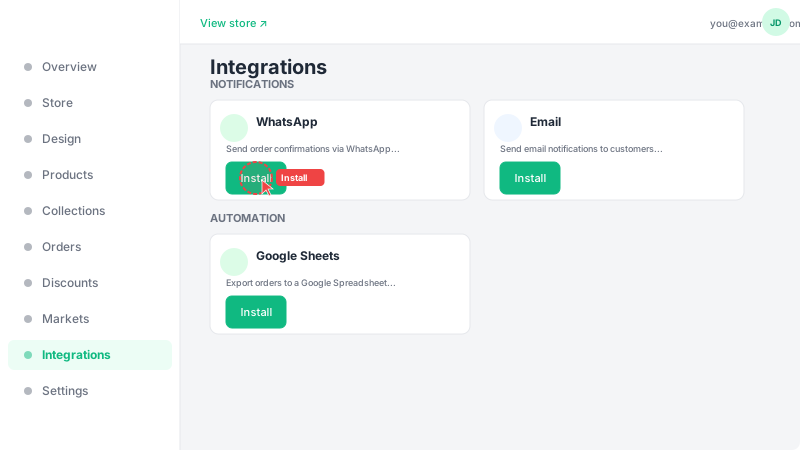
Find the WhatsApp integration card under Notifications and click "Install" to add it to your store. Once installed, click "Setup" to configure your WhatsApp Business phone number. This integration will send you automatic notifications on WhatsApp every time a customer places a new order.
Connect your account
Follow the on-screen setup instructions to connect your WhatsApp Business account. You'll need to enter your phone number and authorize the connection. Once connected, you'll automatically receive detailed order notifications including customer name, items ordered, total amount, and shipping address — directly in your WhatsApp chat. You can disconnect at any time from the same Integrations page.