Setting up your store
Configure your store name, currency, and description.
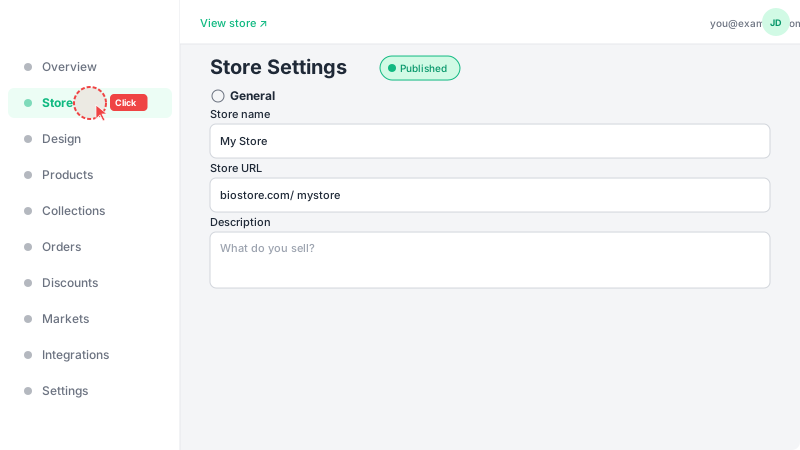
Navigate to Store settings
From the dashboard sidebar on the left, click "Store" to open your store settings page. This is where you configure all the basic information about your store that customers will see.
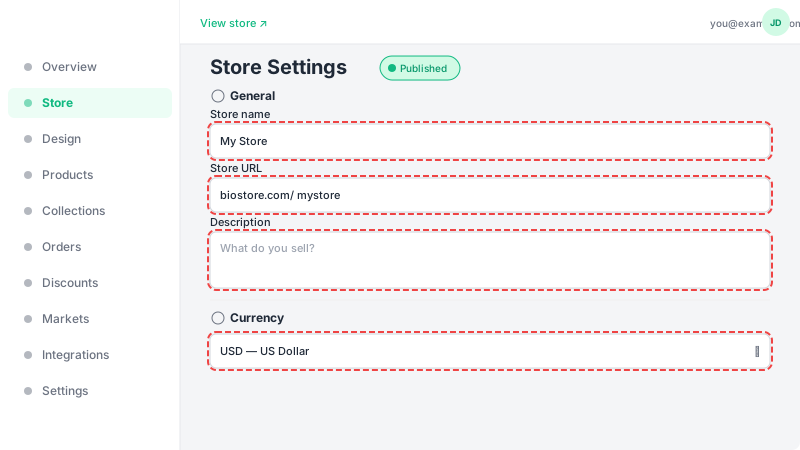
Fill in store details
Enter your store name (this appears in the header of your storefront). Choose a URL slug — this is the unique link customers will use to visit your store (e.g., leadivo.app/your-slug). Select your primary currency for product pricing. These are the core settings that define your store.
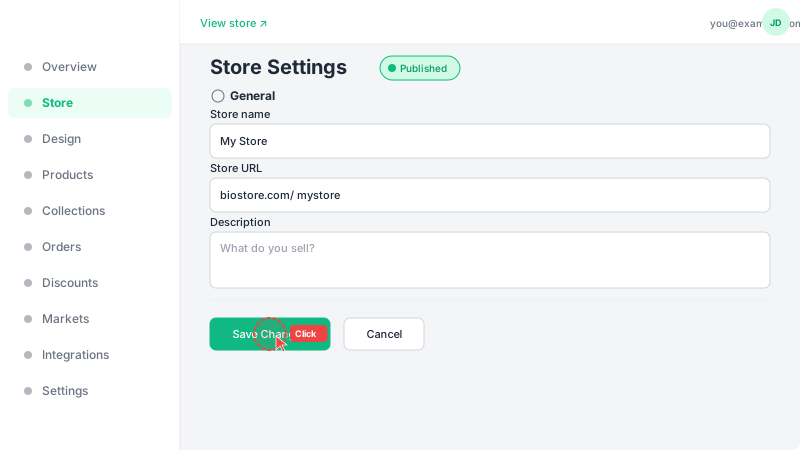
Save your settings
Click "Create Store" to save your settings. Your store is now configured and ready — the next step is adding your first products. You can always come back to this page to update your store details later using the "Update Store" button.